No cash. No problem.
Book the lineup, get a hosted event page, and let the crowd tip anyone!
Your performers keep 100% of the tips, paid directly to their Venmo or Cash App.
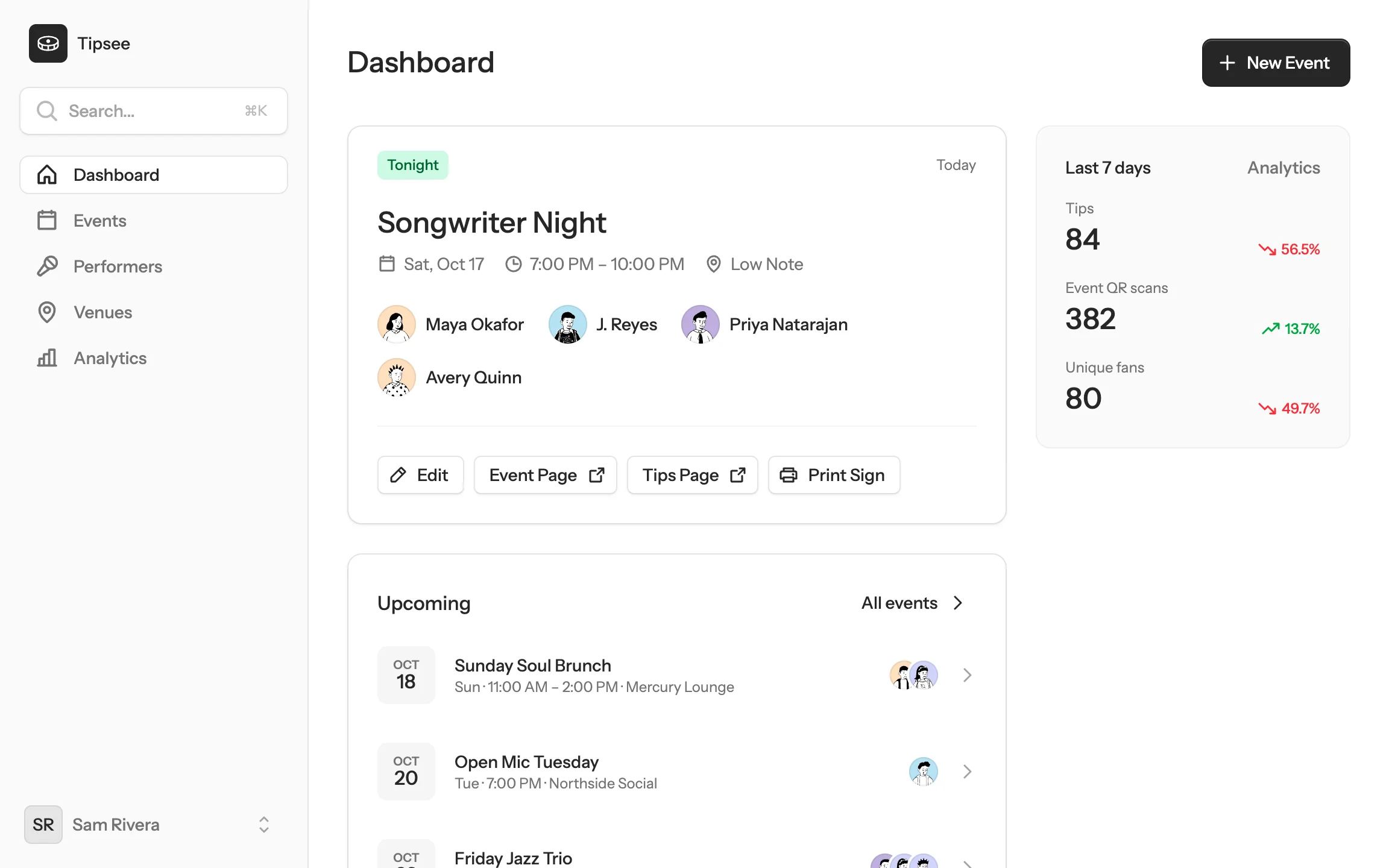
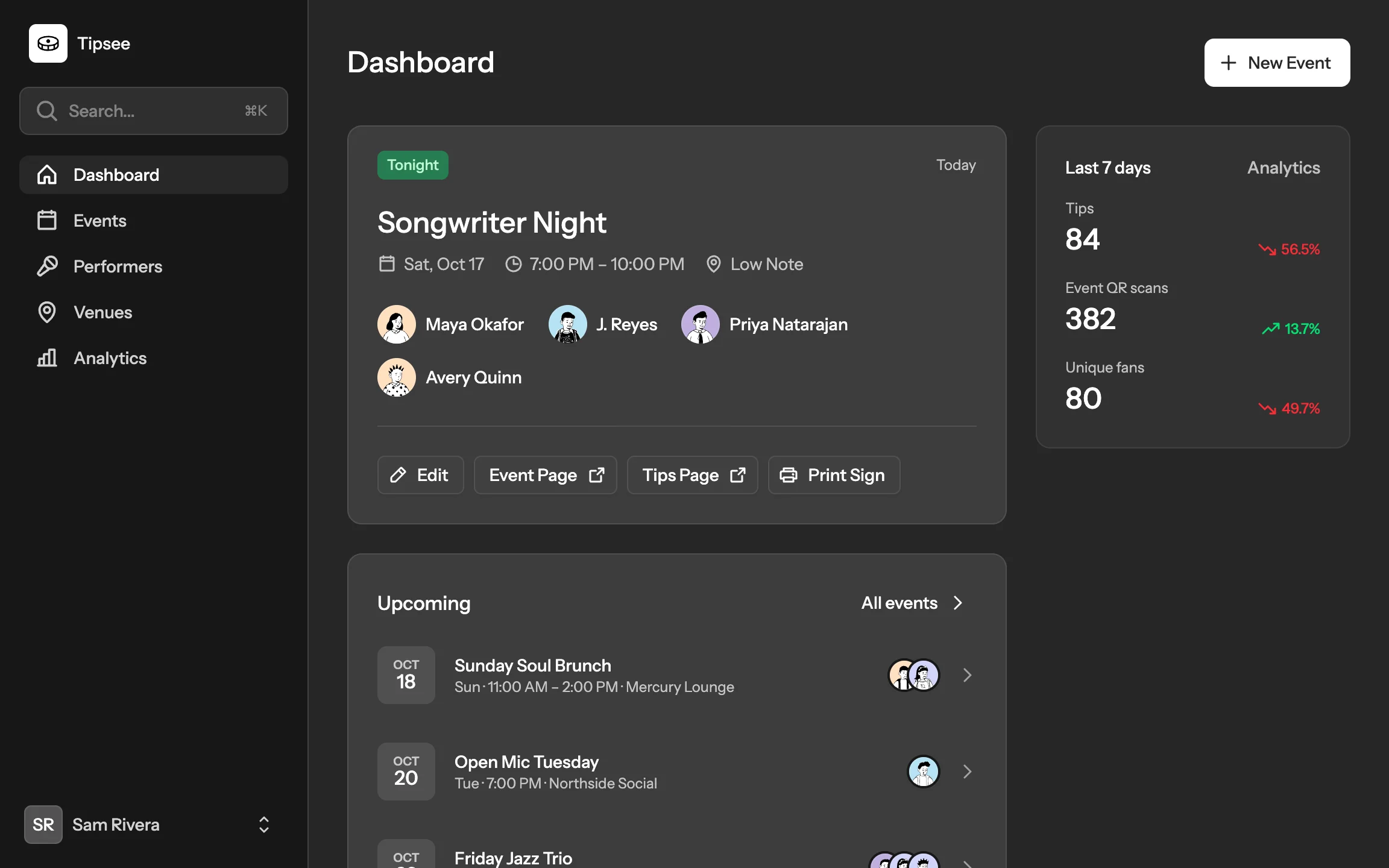
Add the venue, date, and performers.
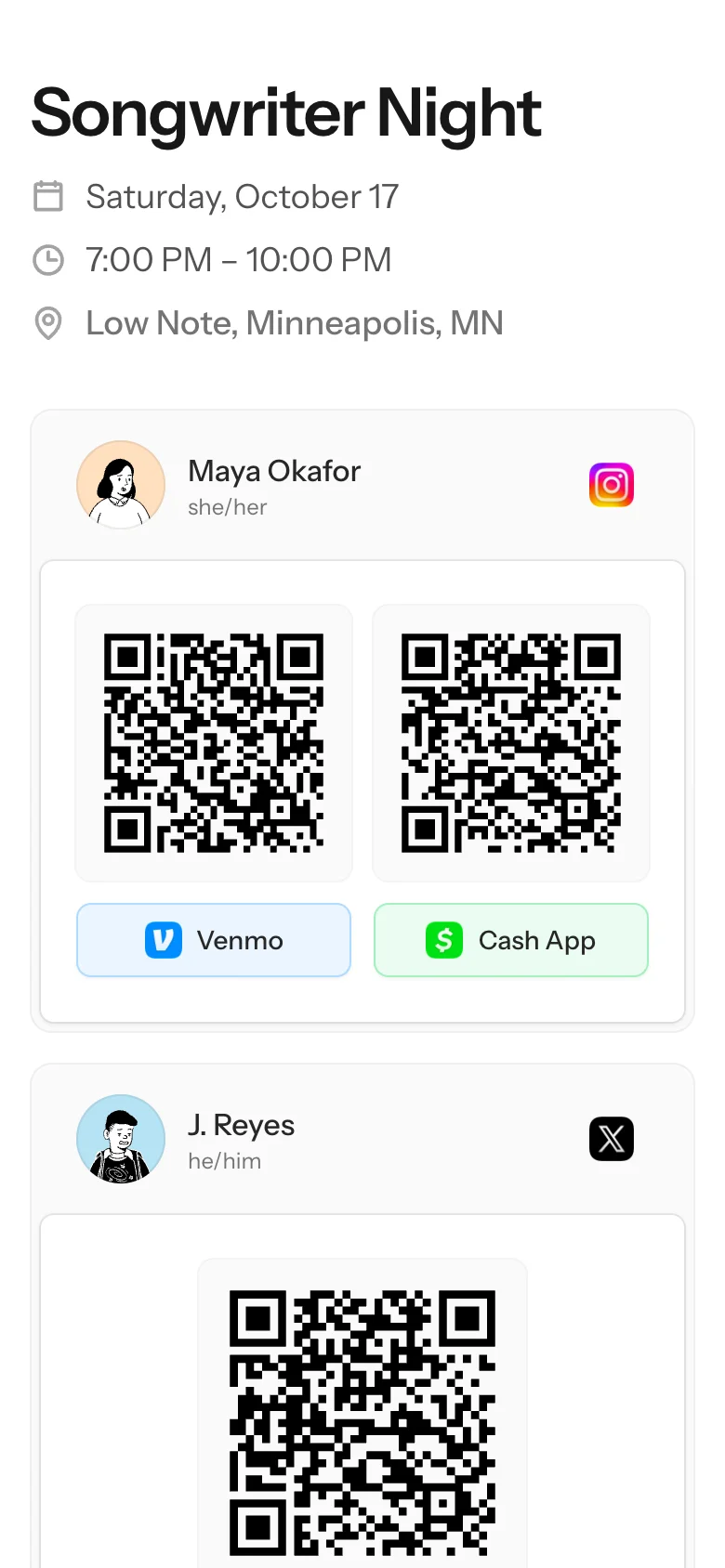
Print the sign for the tip jar, or put the event page on a screen. Both show the same QR code.
A fan taps a performer’s button, and Venmo or Cash App opens to that performer’s profile.
Events
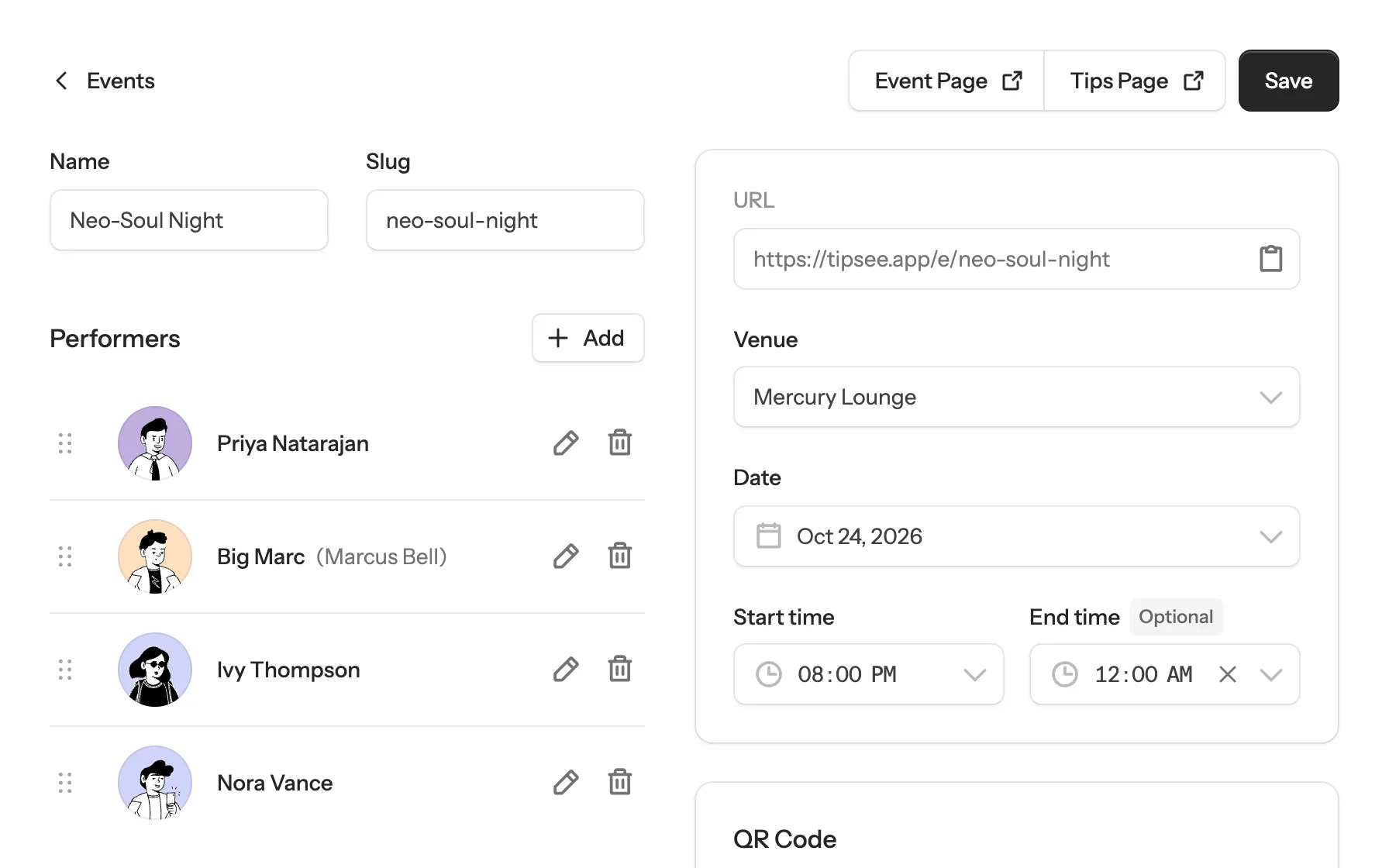
Saving an event creates its QR code.
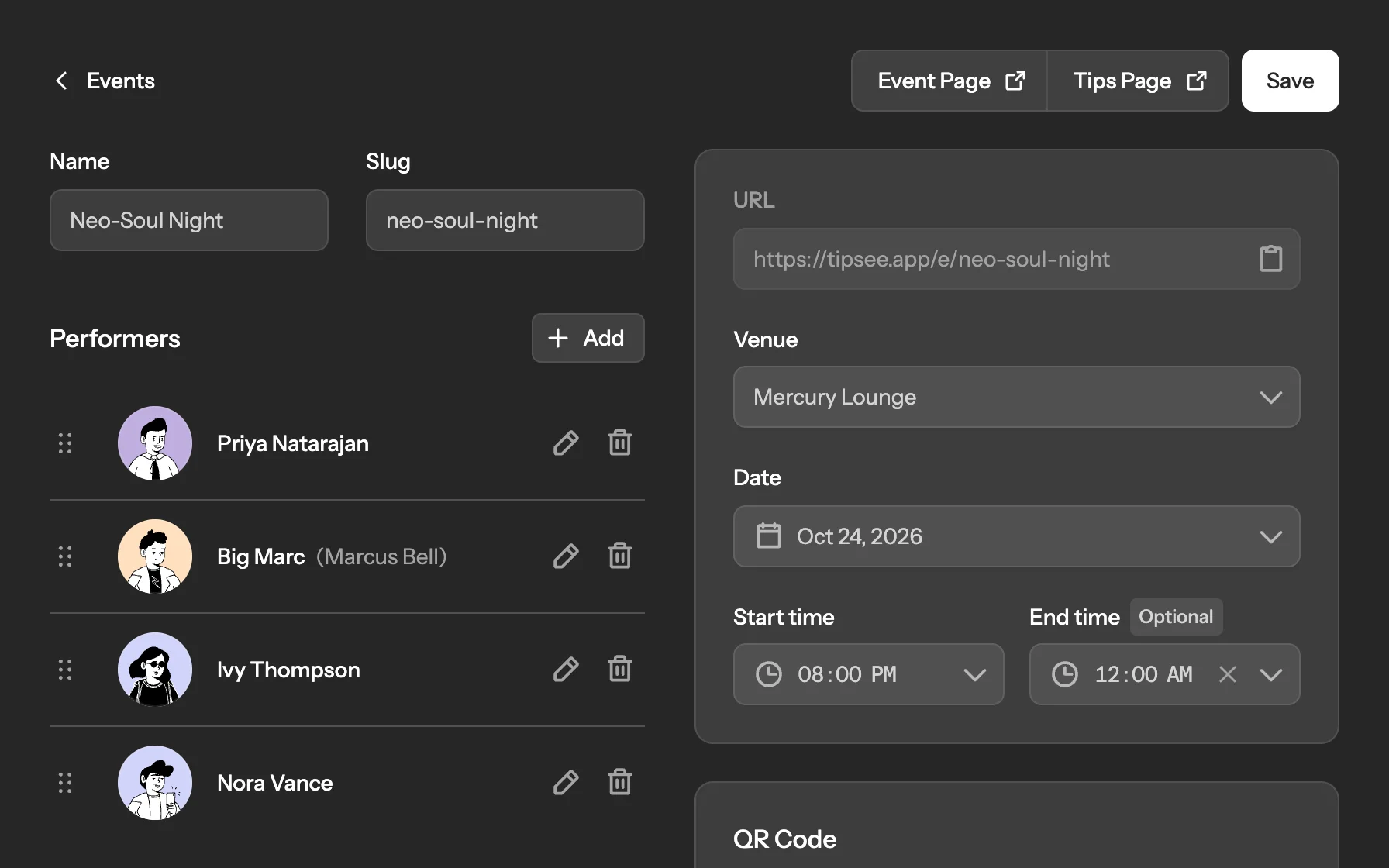
Drag performers into running order. Next to the lineup, the editor shows the QR code and how many fans have scanned it. You can fix a performer’s name or availability right from the lineup, without leaving the event.
Tips page
Fans don’t need an app or an account.
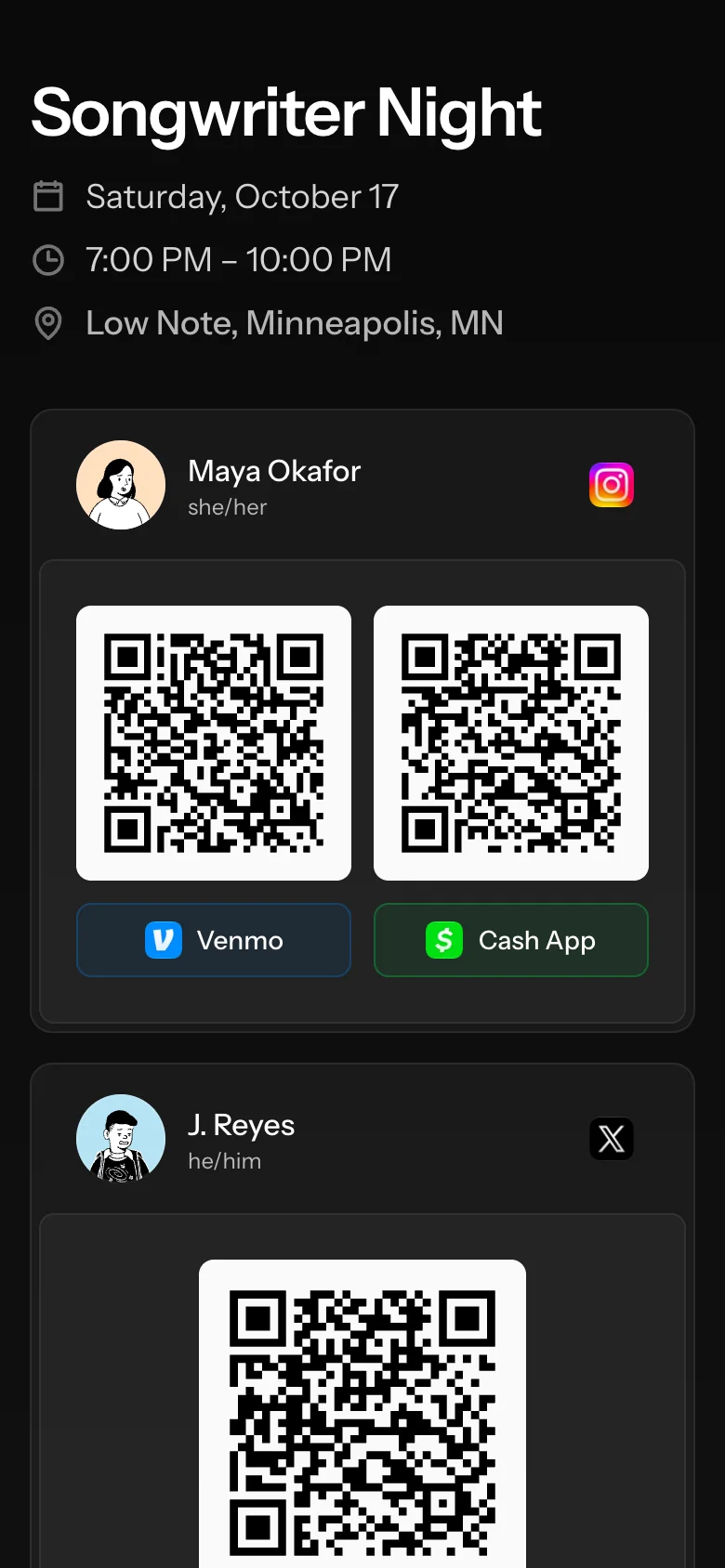
The tips page lists every available performer. A button opens that performer’s Venmo or Cash App profile, and the QR code above it opens the same profile when a fan scans it.
Analytics
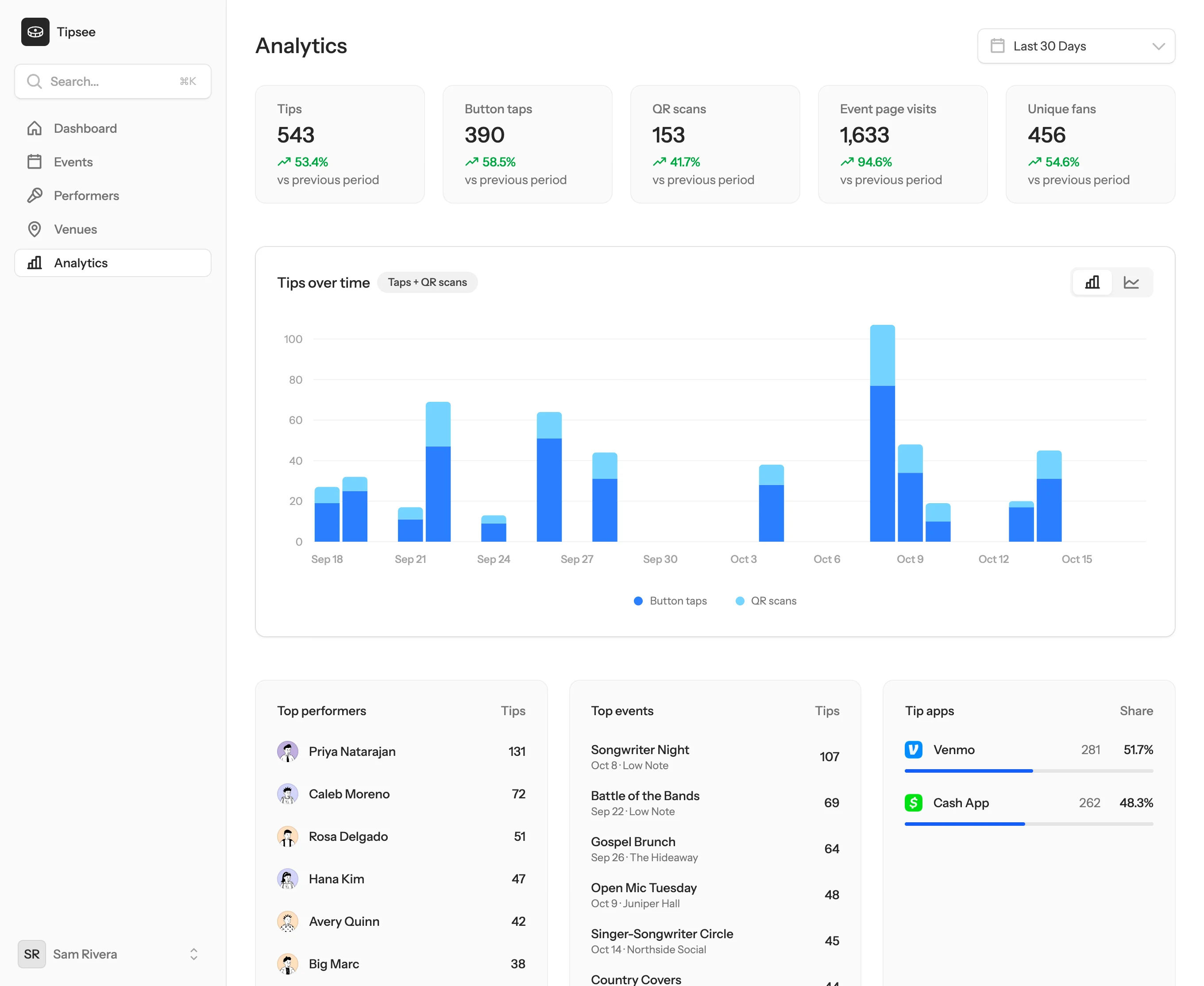
See which events earn the most tips.
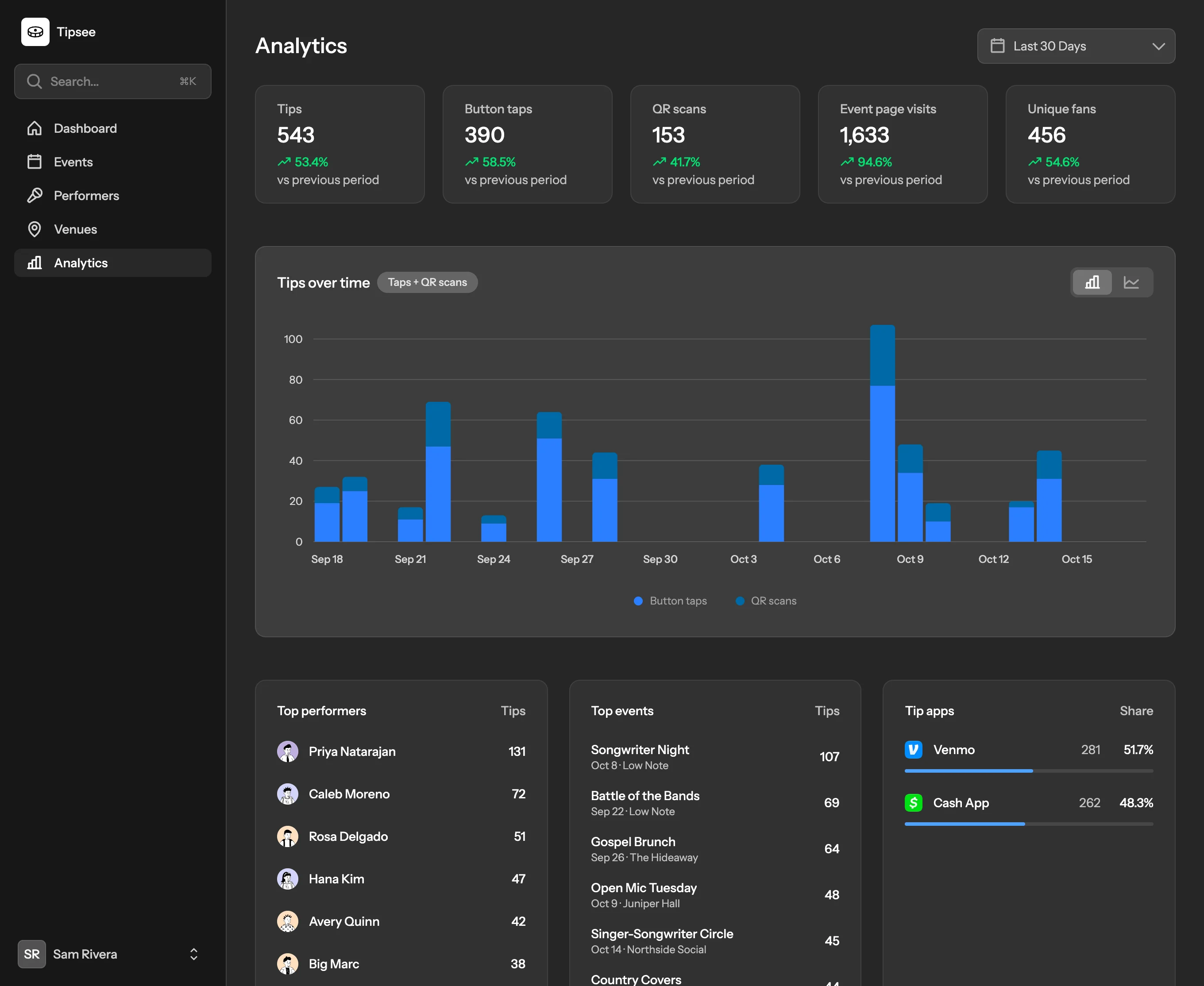
Charts show tips, QR scans, and unique fans for any date range. The analytics page also ranks performers and events by tips and shows how tips split between Venmo and Cash App.
Add a performer’s photo, stage name, and payment links once, then add them to any event.
Save each venue once. On the event page, the venue name links to its address in maps.
Mark a performer unavailable and Tipsee hides them from every event they’re booked for.
Fans never sign up. Tipsee counts unique fans by hashed IP address.
Set up your next event.
Add a venue and a performer with a Venmo or Cash App link, then create the event.